3D Workspace
Home
Assets
Affiliate Program
Sign up/Log in
?
Upgrade
DCC Bridge
Anonymous1781383508
06-13 20:51
Model Name
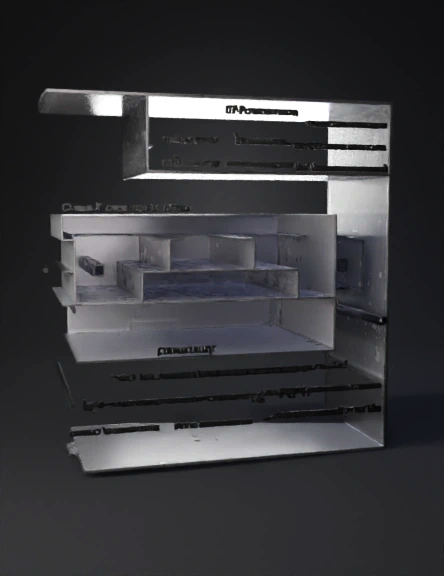
sleeve component 3d model
Tags
machine
3d printing
realistic
Prompt
CAD Modeling Script: Sleeve ComponentDrawing Reference: Google LLC | D-001799540 (Sheet 2 of 3)Units: Millimeters (mm)Phase 1: Setup and Material OrientationSet Document Units: Ensure your workspace workspace is set to Millimeters (mm).Define Planes: * Front Plane: Will represent the face view (the primary view showing Section B-B and C-C cut lines).Right Plane: Will represent the longitudinal cross-section (Section C-C).Top Plane: Will represent the transverse cross-section (Section B-B).Phase 2: Base Body Creation (Outer Profile)We will establish the main track-like shape of the sleeve.Sketch 1 (Front Plane): * Draw a centered slotted shape (or stadium shape) representing the overall outer profile.Note: The overall outer dimensions are governed by the mating pocket for the Pebble, but the critical internal clearances are defined by the cross-sections.Extrude Base: Extrude the profile as a solid body using a Symmetric condition.Phase 3: Longitudinal Profile
Detailed Info
Related Models
Enter invite code
Enter invite code to get credits!
 Anonymous1781383508


 Anonymous1781383508